Try PingPlotter for Free
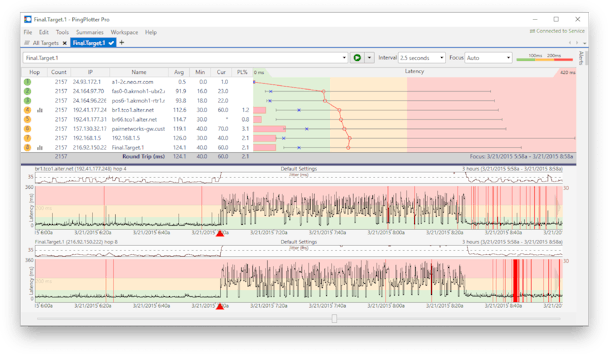
Ping hundreds of connections from your computer
Download for Windows or macOS
Windows & macOS downloads include PingPlotter Free, Standard, & Professional. Once installed, you can select the edition you wish to use.
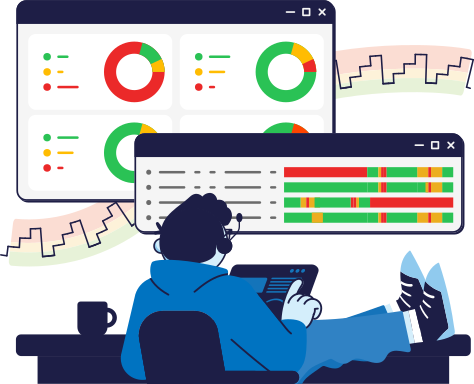
Monitor Work from Home Connections
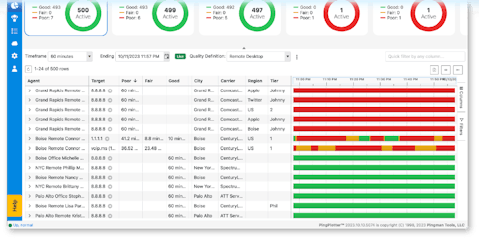
Deploy PingPlotter Agents from a central dashboard. Great for monitoring remote worker internet connection health.
Frequently Asked Questions
How do I access PingPlotter Cloud or Sidekick?
PingPlotter Cloud and Sidekick are available at pingplotter.cloud. Check your inbox for an email containing login instructions. Please email support if you run into trouble.
Where can I find older versions of PingPlotter?
If you can't run the latest version of PingPlotter, you can always access older versions via your account page, or by entering your license key.
Where do I enter my PingPlotter license key?
Once you've downloaded and installed PingPlotter, enter your license key by clicking Help -> Enter License Key. After you've entered a valid key, PingPlotter will switch to the correct version.
You can also download a version of PingPlotter with embedded license info from your account page.
How do I purchase perpetual licenses, maintenance, or upgrades?
Our Support Team can help you procure new perpetual licenses and custom orders. If you already have a PingPlotter license or subscription, your account page has everything you need to add licenses, activate maintenance, or upgrade versions.
How do I uninstall PingPlotter?
To uninstall PingPlotter on Windows, find the PingPlotter folder from your Start menu, open it, and run Uninstall or Modify Installation. Click through the wizard to remove PingPlotter.
If you're uninstalling because of an expired trial, don't forget you can continue using PingPlotter Free.
If you're moving to a new machine, follow these instructions in our knowledge base.
What should I do if can't download the PingPlotter .exe file?
If you're having problems downloading the .exe installer for PingPlotter, try downloading the .zip version. If you're still having trouble, let our Support Team know, and we can get it sorted out.
Thanks for Trying PingPlotter!
Your download should begin shortly.
If you're new to PingPlotter, the video below will help you get started. Please feel free to contact us if you have any questions.