PingPlotter System Requirements
PingPlotter Free, Standard, and Professional editions run on both macOS and Windows. The latest builds for each platform are listed below, alongside legacy 5.25.21 downloads for older hardware and operating systems.


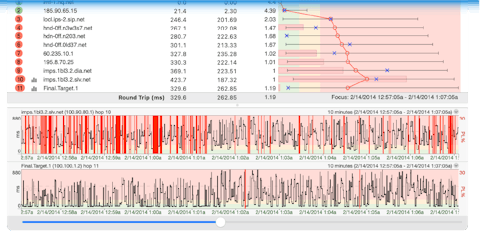
Troubleshoot unlimited connections from your computer.
Troubleshoot with Pro Edition
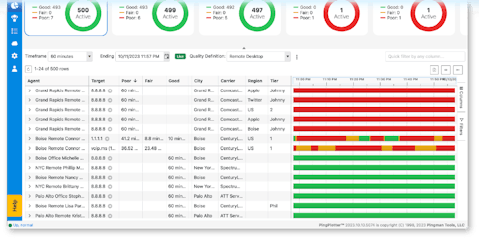
Monitor and troubleshoot remote connections anywhere from a centralized online dashboard.
Monitor with PingPlotter CloudPingPlotter Free, Standard, and Professional editions run on both macOS and Windows. The latest builds for each platform are listed below, alongside legacy 5.25.21 downloads for older hardware and operating systems.
Starting with version 5.27, PingPlotter is supported on the following versions of Windows.
Supported versions
All Windows service packs are supported unless otherwise listed. PingPlotter runs on 32-bit & 64-bit operating systems.
Minimum hardware
39.7 MB · Released 2026-08-24
PingPlotter 5.25.21 is the latest build for Windows 7, Windows 8, and older Windows Server releases.
Download PingPlotter 5.25.21 for WindowsStarting with version 5.27, PingPlotter is supported on the following versions of macOS.
Supported versions
Minimum hardware
53.8 MB · Released 2026-08-24
PingPlotter 5.25.21 is the latest build for macOS Sierra (10.12) through Big Sur (11).
Download PingPlotter 5.25.21 for macOSIf you have specific questions about your hardware or operating system, please email us at support@pingman.com.