Now in PingPlotter for Desktop: Dark Mode on Windows!


-
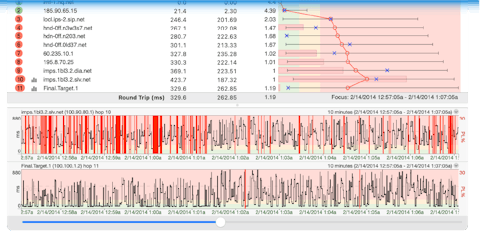
PingPlotter Professional
Troubleshoot unlimited connections from your computer.
Troubleshoot with Pro Edition -
PingPlotter for Contact Centers
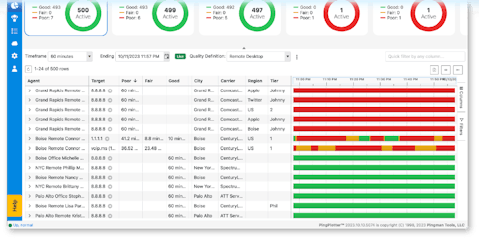
PingPlotter Cloud
Monitor and troubleshoot remote connections anywhere from a centralized online dashboard.
Monitor with PingPlotter Cloud
Identify bandwidth bottlenecks, wireless interference, or faulty hardware impacting your internet.
Notifications & automations.
Get alerted the moment problems happen. Integrate with REST API.

Trusted metrics.
Measure latency, packet loss, jitter, and MOS scores and share with stakeholders.
Shareable reports.
Show results to anyone by posting online or exporting historical data.
We have been using PingPlotter to diagnose our WAP network as it is showing inconsistent connectivity, and this tool has been instrumental in identifying weak connection areas and heatmapping.
Verified Manager in Information Technology
The software was instrumental in proving that we had an intermittent defective modem issue, which was otherwise difficult to diagnose. The detailed data and visualizations provided by PingPlotter made it clear.
Chase Grimes, Senior Technical Consultant at Intelitech Ltd
Helping people and organizations clear network hurdles for more than 25 years.


Troubleshooting for your business?
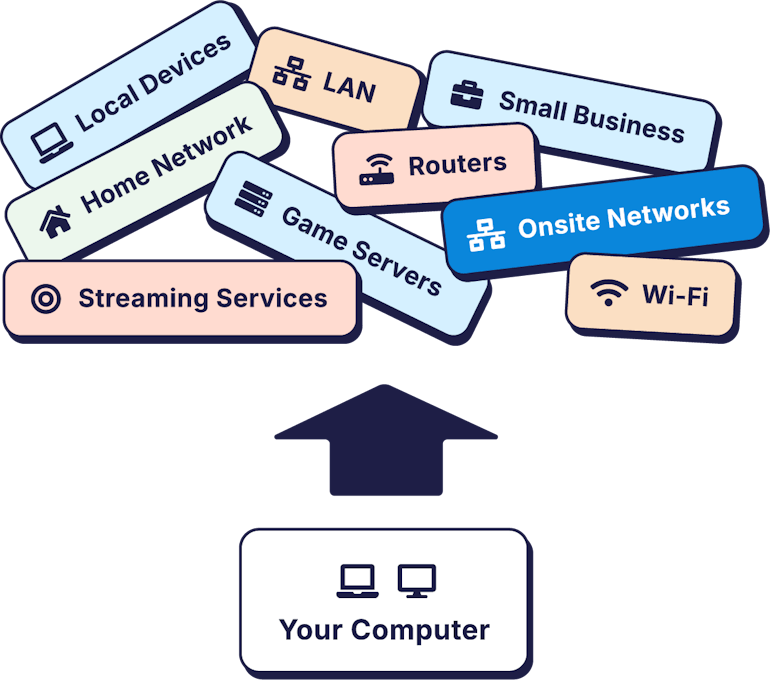
Test smaller networks.
Track connections to two endpoints.
Best for
Home users and small businesses. If you’re testing from one location to a maximum of 2 endpoints, PingPlotter Standard has the features you need.

View data from multiple devices.
Track remote connection health from a web browser.
Best for
Businesses with remote workforces and/or multiple offices — PingPlotter Cloud helps keep your team online and productive.