

Version 5 Manual
Edit Menu
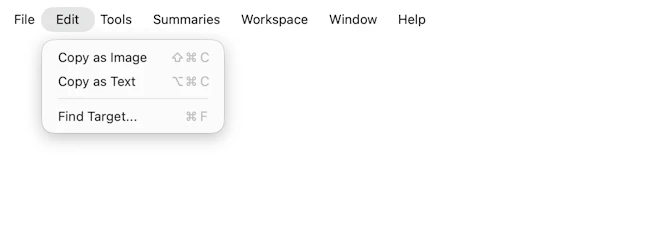
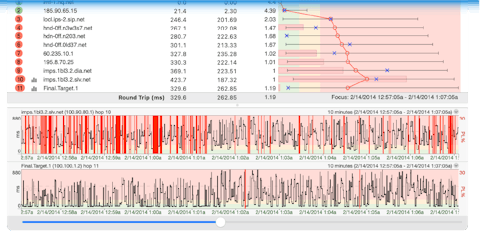
- Copy as Image: Copy the current graph to the clipboard as an image. From here, you can paste the image into your favorite graphics program or an email.
- Copy as Text: Copy the current graph to the clipboard as text. Hold down the shift key when clicking the Edit menu to toggle between copying all the collected data details, or copying a summary.
- Options...: Go to the configuration and options setup area (note: on Mac, the "options" can be found under "PingPlotter" -> "Preferences")
Some of the features listed in this topic are only available in PingPlotter Pro and/or PingPlotter Standard. See our product comparison page for details.